Brand
One design system.
GenCMS uses a single purple system across every product surface. Memory is not blue, Guard is not red, Skills are not orange — semantic colour is reserved for status, and nothing else.
Logo
Mark, lockup and clear space.
The mark is a rounded tile with four bracket forms around a centre node — components around a core. It reads down to 16px, which is why the favicon uses it unchanged.
Rules
- Keep clear space of at least the mark's corner radius on every side.
- Minimum lockup width 96px; below that use the mark alone.
- The tile is always #4B14FF. Do not recolour it per product or per section.
- The wordmark is #0F172A on light and #FFFFFF on dark. There is no third variant.
- Do not stretch, rotate, outline, add a shadow, or place the lockup on a busy photograph.
- Do not re-typeset the wordmark — use the supplied file.




Palette
Eight values carry the interface.
Tokens live in globals.css. Use the token, not the hex, so a future adjustment lands everywhere at once.
Primary purple
brand-500
#4B14FFPrimary actions, the logo mark, key accents
Dark purple
brand-600
#3A0FD4Hover state on primary, emphasis text
Light purple
brand-400
#8A5EFFAccents on dark surfaces, diagram nodes
Tinted surface
surface-tint
#F6F3FFAlternating section background
Slate headline
ink-900
#0F172AHeadlines and the dark wordmark
Body
ink-600
#475569Body copy
Deep surface
ink-950
#080D1AGuard sections, footer, code blocks
Border
ink-200
#E2E8F0Card rings and dividers
Semantic — status only
These three appear on Guard risk levels, run states and validation results. They never become a product colour, a section background or a chart palette.
Typography
One family, tight tracking on headlines.
Display · 64/1.06 · -0.035em
Build AI that knows, acts and remembers.
Section · 42/1.15 · -0.02em
Everything your AI needs to become useful.
Body · 16/1.75
Compare leading models, add reusable Skills and private Memory, automate work with Agents and Workflows, and deploy through one secure API.
Eyebrow · 11/uppercase · 0.18em
Model-agnostic AI platform
--font-sans: var(--font-inter), ui-sans-serif,
             system-ui, -apple-system, sans-serif;
--font-mono: ui-monospace, "SFMono-Regular",
             "JetBrains Mono", Menlo, monospace;

--color-brand-500: #4b14ff;   /* primary   */
--color-brand-600: #3a0fd4;   /* dark      */
--color-brand-400: #8a5eff;   /* light     */
--color-ink-900:   #0f172a;   /* headline  */
--surface-tint:    #f6f3ff;   /* section   */

--radius-card: 16px;
Prefer
Visual, modular, fast.
- Cards
- Diagrams and visual nodes
- Score rings
- Model chips
- Permission chips
- Status badges
- Compact tables
Avoid
What breaks the system.
- Giant paragraphs in app UI
- Generic chatbot-only layouts
- Excessive gradients
- Excessive glassmorphism
- Decorative dashboards with no hierarchy
- Per-product colour brands
Social
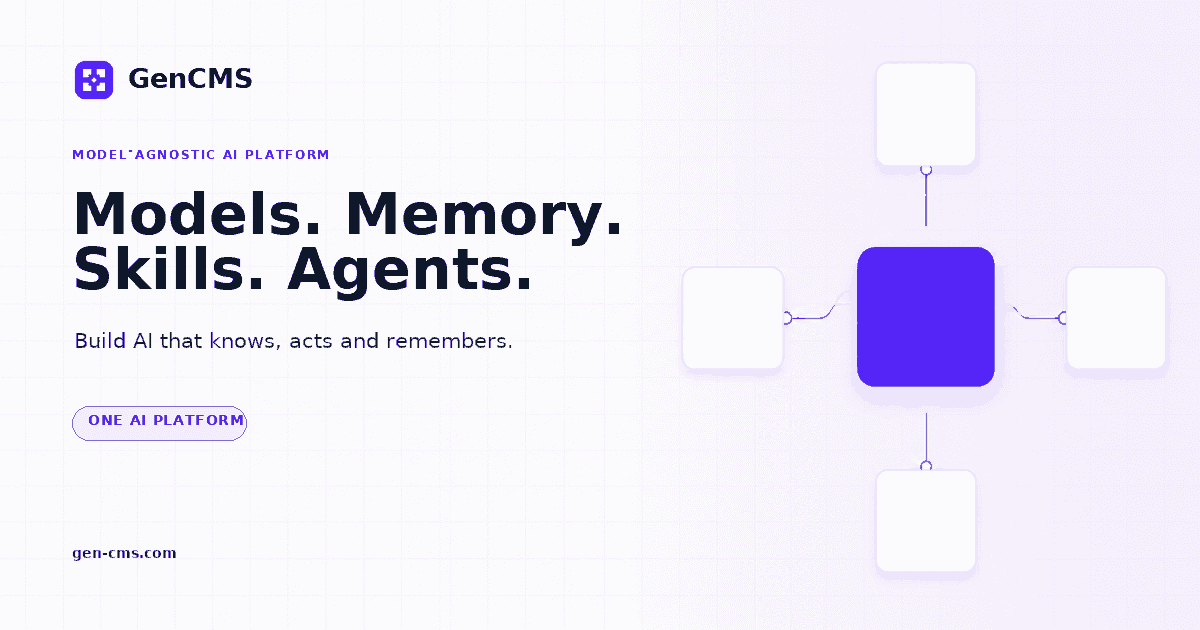
The card people see before the page.
Press and partner enquiries: [email protected]. GenCMS and the GenCMS mark are owned by IGEARS TECHNOLOGY LIMITED. Use the supplied files unmodified; do not imply endorsement.