GenCMS use case
Turn business documents into structured, review-ready data
GenCMS can extract agreed fields from PDFs, scans and forms, then pass structured data and exceptions into a review workflow. It is for operations teams that need to reduce repetitive document handling while keeping people in control of validation. Start with representative sample files, a target data structure and agreed business rules for a 30-day MVP.
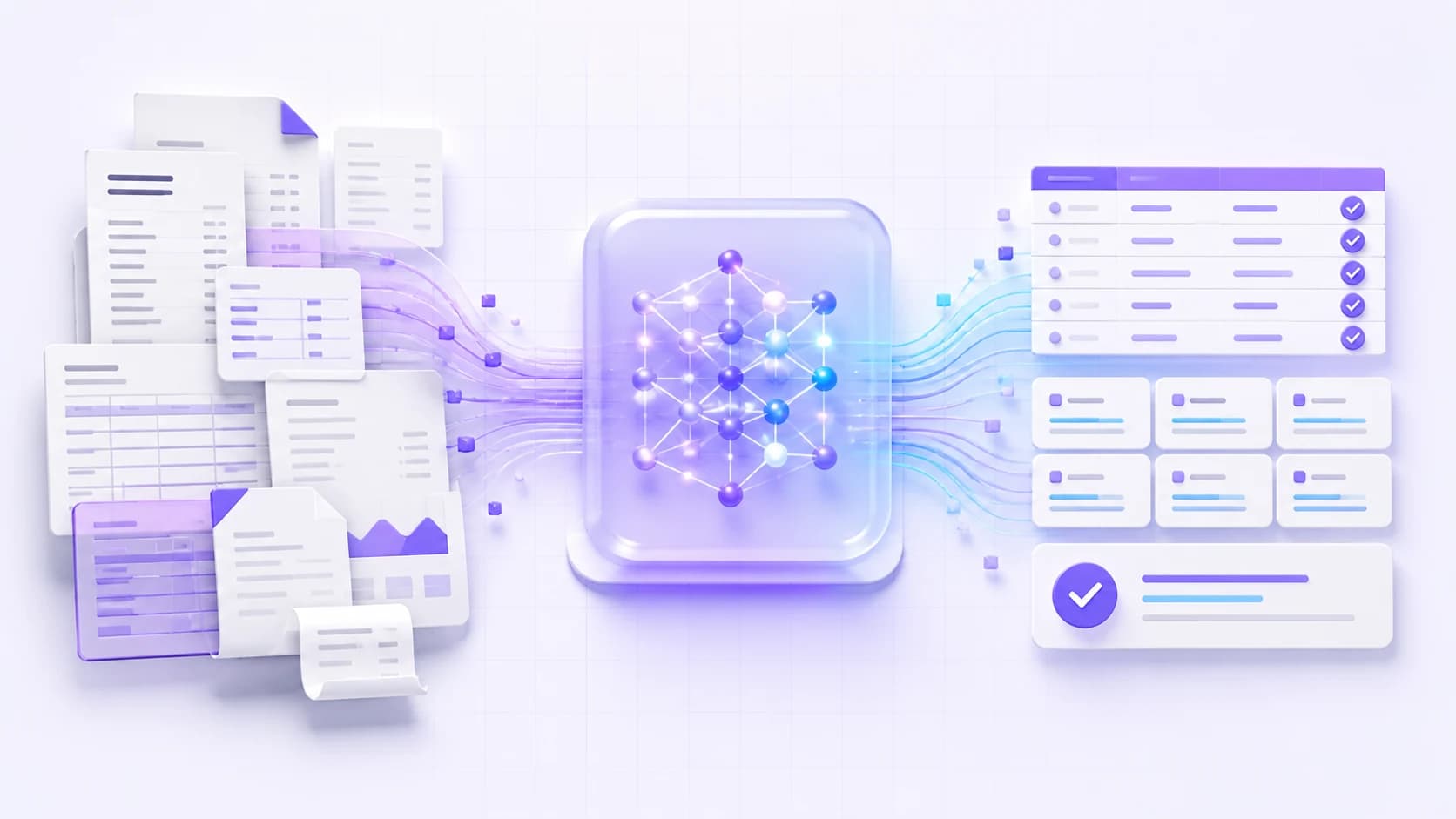
Input → GenCMS → output
How document extraction works
- Input01
Receive representative documents
Upload or connect the agreed PDFs, scans, forms and supporting files, including the variations the workflow must handle.
- GenCMS02
Read, extract and validate
Configured OCR or vision models identify the requested fields and apply agreed format, completeness and business-rule checks.
- Output03
Review and hand off
Structured records and exception flags go to an agreed review step, API or downstream-system hand-off.
What you need to provide
- Representative documents, including different layouts, scan qualities and known exceptions
- The target fields, data structure and examples of a correct result
- Validation rules, exception handling and human-review responsibilities
- Requirements for secure intake and any downstream system connection
What you will get within 30 days
- A working extraction MVP for the agreed document set and fields
- Configured extraction and validation rules for the scoped document variations
- A review-ready output through the agreed interface, file or API hand-off
- Test findings, exception guidance, handover notes and a next-phase scope
The 30-day period starts from the agreed project kickoff. Project services are fixed-price; the quotation states the scope, fee, deliverables and acceptance checks.
Frequently asked questions
What to know before you start.
Straight answers about GenCMS, deployment choices, data control and the first MVP.
- Which document formats can GenCMS process?
- A project can be configured for agreed formats such as native PDFs, scanned PDFs and common image files. The MVP scope is based on representative samples because layout and image quality affect the processing approach.
- Can it read handwriting?
- Some handwriting can be evaluated with suitable OCR or vision models, but results vary with writing style and image quality. Handwritten documents should be tested as a separate sample set before the workflow is approved.
- Is every extracted field guaranteed to be correct?
- No extraction system should be treated as error-free. GenCMS can apply validation rules and flag uncertain or incomplete records, while your workflow keeps human review for fields where errors carry material risk.
- Can the output connect to our ERP or another system?
- Yes, an agreed API or file hand-off can be built when the target system provides a suitable integration method. System access, field mapping and approval rules are confirmed during scoping.
- Can sensitive documents stay in our environment?
- Yes, GenCMS supports Hong Kong data-centre and on-site deployment options. The final data path depends on the selected OCR or model components, storage configuration and system integrations, so it is documented for the project.
Turn this use case into a working MVP in 30 days.
Agree one workflow, its data boundary and acceptance checks, then let iGears build, test and hand over the scoped MVP.