GenCMS use case
An internal agent that works within your permissions and processes
GenCMS combines internal requests, approved SOPs and permitted tools into an agent workflow that can recommend, draft or carry out explicitly approved steps. It is for teams that want to streamline repeatable work while retaining permissions, human approval and an activity trail. Start with one bounded workflow, clear success criteria and a safe test environment for a 30-day MVP.
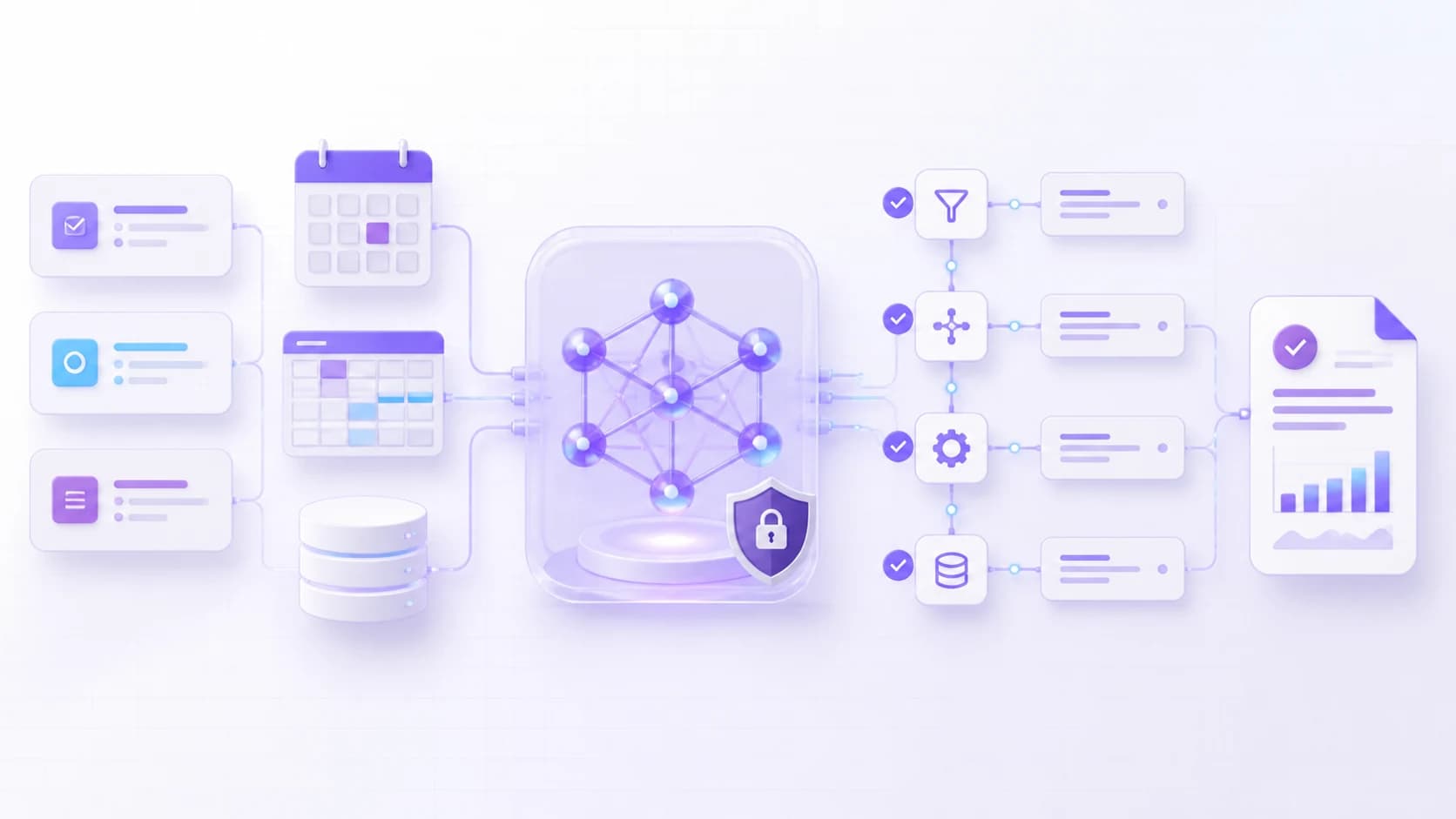
Input → GenCMS → output
How an internal agent works
- Input01
Receive a bounded request
A staff member provides a task, while the agent receives only the approved SOPs, role context and connected-system data it needs.
- GenCMS02
Plan and use permitted tools
The Agent uses configured Memory, Skills and Workflows, applying permission checks and stopping at required human approval gates.
- Output03
Return a traceable result
The user receives a recommendation, draft or approved system action together with the activity information defined for the workflow.
What you need to provide
- The SOP, process owner, user roles and boundaries for one repeatable workflow
- Representative requests, expected outcomes and known exception cases
- Documentation and secure test access for any system or API the agent may use
- Approval gates, prohibited actions, logging needs and escalation responsibilities
What you will get within 30 days
- A working agent MVP for the agreed users, workflow and test environment
- Configured Agent, Skills, tool connections and workflow instructions
- Role permissions, human-approval gates, escalation paths and prohibited-action rules
- Agreed test scenarios, activity records, handover notes and a next-phase scope
The 30-day period starts from the agreed project kickoff. Project services are fixed-price; the quotation states the scope, fee, deliverables and acceptance checks.
Frequently asked questions
What to know before you start.
Straight answers about GenCMS, deployment choices, data control and the first MVP.
- How is an internal agent different from a chatbot?
- A chatbot mainly responds in conversation. An internal agent can also follow a configured workflow and use permitted tools, while remaining subject to the role, approval and escalation rules defined for the use case.
- Can the agent take actions in our systems?
- It can take only the actions exposed through approved integrations and explicitly allowed by the workflow. Sensitive or irreversible steps should use human approval and the target system's own access controls.
- How are permissions controlled?
- The project maps user roles, data access, allowed tools and approval gates. GenCMS applies those workflow controls, while connected systems should continue to enforce their own authorization rules.
- Can an internal agent run on-site or offline?
- Yes, an on-site GenCMS setup can operate offline when local models, data and dependencies are configured. Any workflow step that calls an external service will still require the corresponding connection.
- Can we review what the agent did?
- The MVP can record the activity information agreed for the workflow, such as requests, tool calls, approvals and outcomes. Logging scope and retention are set according to the organization's security and privacy requirements.
Turn this use case into a working MVP in 30 days.
Agree one workflow, its data boundary and acceptance checks, then let iGears build, test and hand over the scoped MVP.